





















.jpg)
































.jpg)
.jpg)












WhatsApp's interface is going to change soon, it will be easier to use Meta AI
Meta AI: According to the report, long pressing the Meta AI icon located in the bottom-right corner of WhatsApp's chat screen will now open a new interface and activate voice mode. A big change can be seen in this new Meta AI interface compared to the existing chat window. A large part of the screen will be covered with the chatbot's logo and the text "Listening".


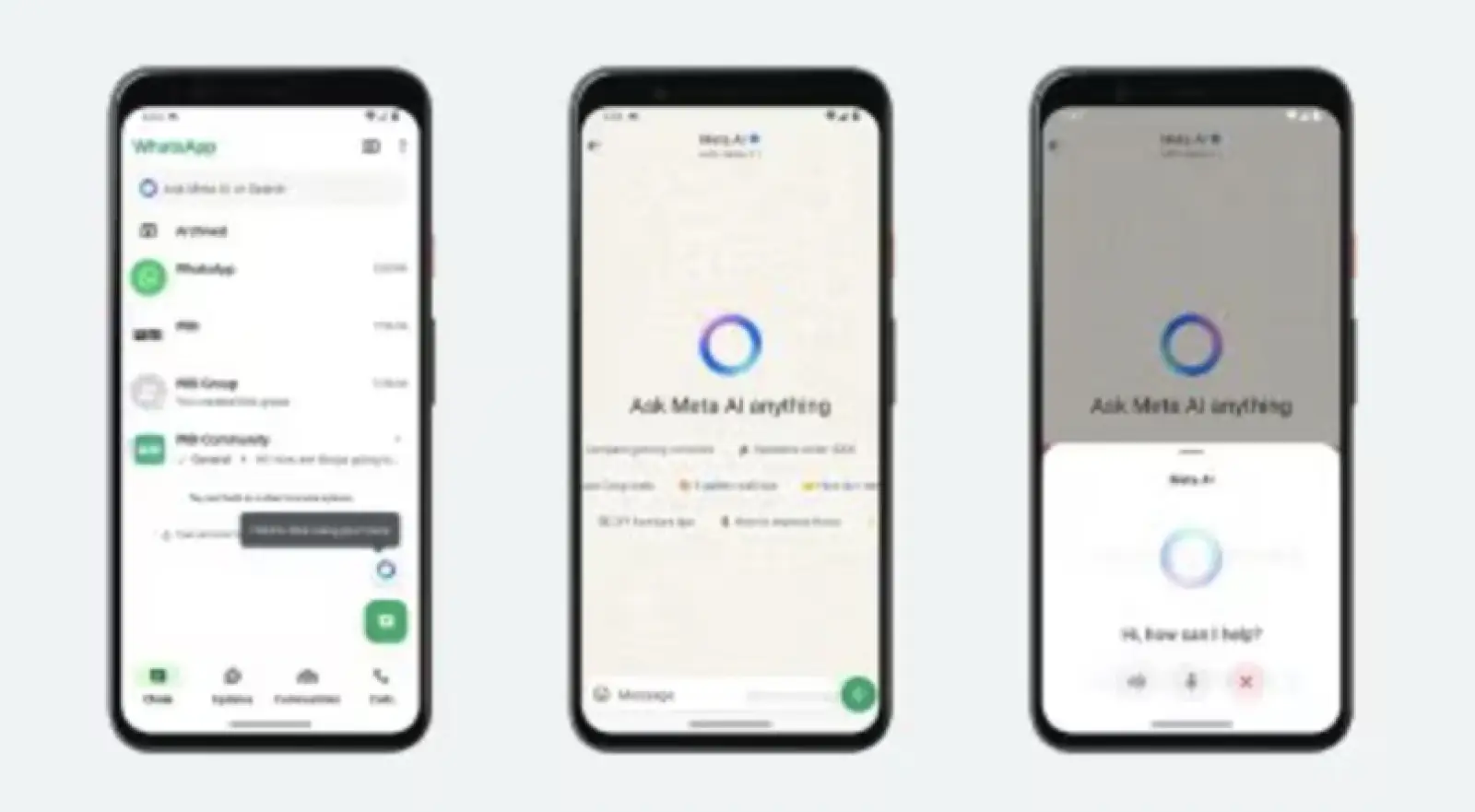

WhatsApp will introduce a new and improved interface for its Meta AI chatbot in the future. WhatsApp is working to enhance the AI experience and make it easy for users. Automatic voice mode and prompt suggestions are features that can be observed in this new version, and they will help users start conversations, but all users cannot use it for now as all such features are in beta testing.
According to the report of WhatsApp feature tracker WABetaInfo, WhatsApp has spotted this new AI interface in the Android 2.25.5.22 beta update. However, it has not been officially released yet. According to the report, long pressing the Meta AI icon located in the bottom-right corner of WhatsApp's chat screen will now open a new interface and activate voice mode. A big change can be seen in this new Meta AI interface compared to the existing chat window. A large part of the screen will be covered with the chatbot logo and the text "Listening".
When users are in this interface, they can ask questions to the AI by speaking. When the AI listens to the user's voice, a green microphone icon will appear in the Android status bar, indicating that the microphone is active. Users can also switch to text mode if they want, for this they have to tap the microphone button or type the text directly. This Meta AI will only keep listening as long as the user is in this interface. If the user closes this window, the AI will stop listening and the session will end.